Tasks and projects, clear and calm.
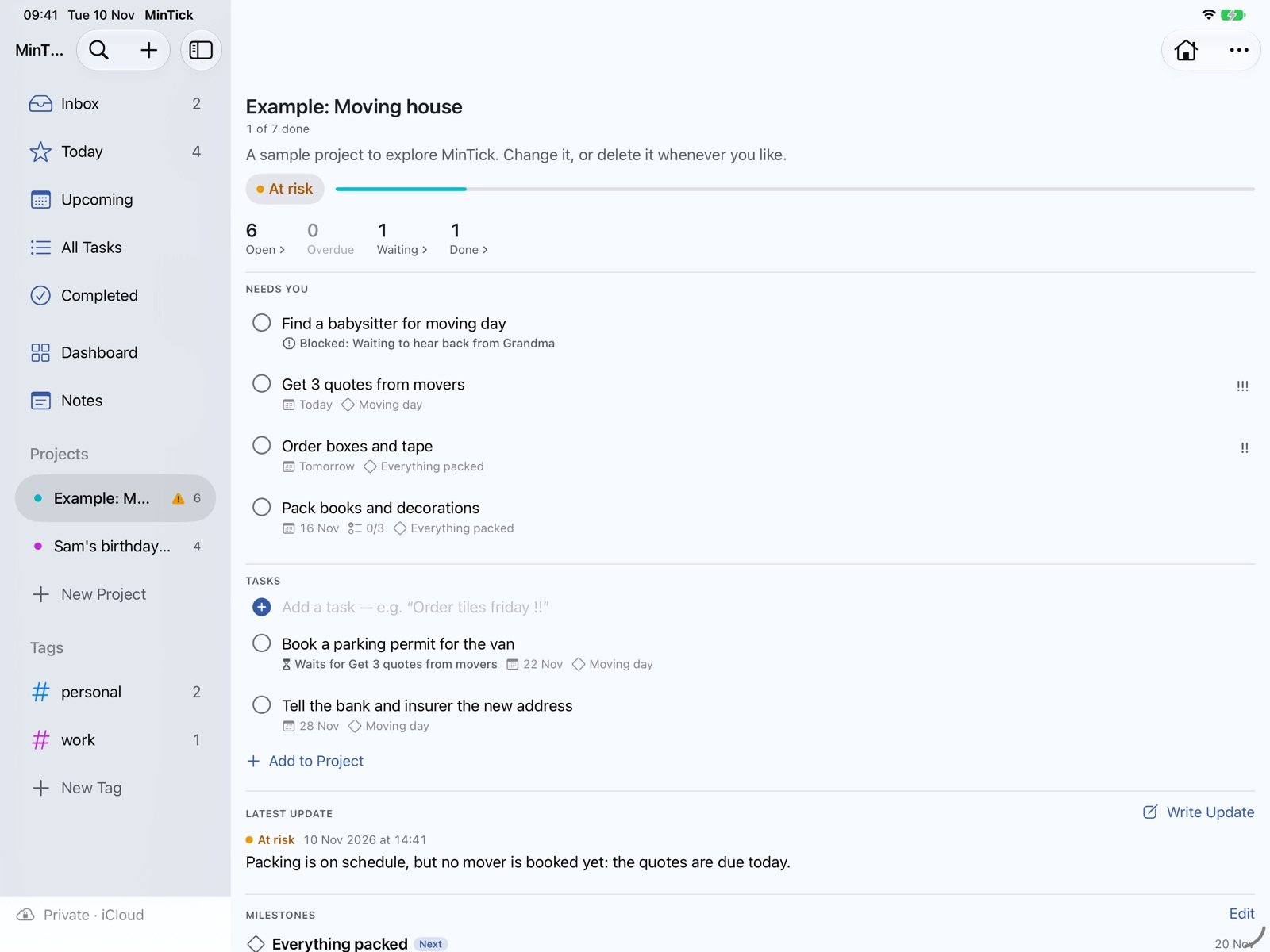
MinTick keeps your everyday tasks and your bigger projects in one place, on your Mac, iPad and iPhone. Type a task the way you’d say it, see what needs you today, and keep projects on track without a spreadsheet.
Mac · iPad · iPhone · Requires macOS 26 or iOS 26 / iPadOS 26
What it does
Add tasks in plain words
“Call Anna tomorrow 3pm #family” sets the date and the tag. Dutch works too.
Today, Upcoming, Inbox
See what’s due now and what’s coming, with overdue tasks on top.
Projects your way
An overview with health, milestones and risks, a simple list or a kanban board.
Help when you want it
Weekly summaries, status-update drafts and meeting notes turned into tasks. MinTick proposes; you decide.
From anywhere
Quick Entry on the Mac, widgets, Siri and the Share menu.
Made for the Mac first
Menus, keyboard shortcuts and wide windows. The iPad gets the same; the iPhone is for on the move.
Private by choice
In Private mode your data stays on your devices and in your own iCloud, and the AI runs on your device with Apple Intelligence. Prefer a MinTick account? Synced mode keeps your data on MinTick’s server in the EU, with AI by Claude. Either way: no ads, no tracking, no analytics.